

Ausverkauft


Mehr zum Buch
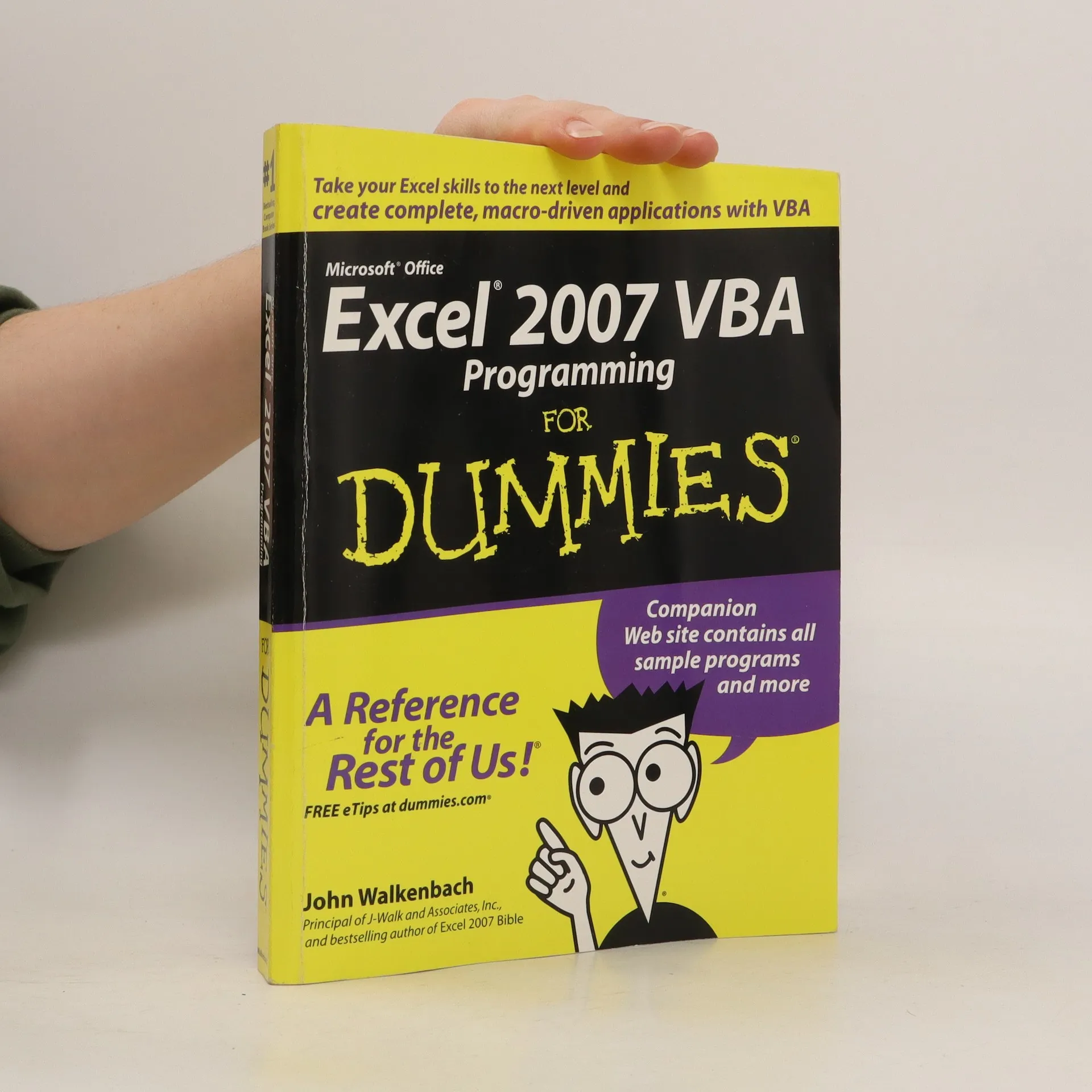
Step-by-step instructions for creating VBA macros Harness the power of VBA and create custom Excel applications Make Excel 2007 work for you! This clear, nonintimidating guide shows you how to use VBA to create Excel apps that look and work the way you want. Packed with plenty of sample programs, it explains how to work with range objects, control program flow, develop custom dialog boxes, create custom toolbars and menus, and much more. Discover how to Grasp essential programming concepts Use the Visual Basic Editor Navigate the new Excel user interface Communicate with your users Deal with errors and bugs
Buchkauf
Excel 2007 VBA Programming For Dummies, John Walkenbach
- Sprache

- Erscheinungsdatum
- 2007
- Einband
- (Paperback)
Wir benachrichtigen dich per E-Mail.
3,8
Sehr gut
99+ Bewertung
Hier könnte deine Bewertung stehen.
- Titel
- Excel 2007 VBA Programming For Dummies
- Sprache
- Englisch
- Autor*innen
- John Walkenbach
- Verlag
- WILEY
- Erscheinungsdatum
- 2007
- Einband
- Paperback
- Seitenzahl
- 368
- ISBN10
- 0470046740
- ISBN13
- 9780470046746
- Reihe
- Schlagwörter
- Technologie
- Originaltitel
- Excel 2007 VBA programming for dummies
- Bewertung
- 3,8 von 5 Sternen
- Beschreibung
- Step-by-step instructions for creating VBA macros Harness the power of VBA and create custom Excel applications Make Excel 2007 work for you! This clear, nonintimidating guide shows you how to use VBA to create Excel apps that look and work the way you want. Packed with plenty of sample programs, it explains how to work with range objects, control program flow, develop custom dialog boxes, create custom toolbars and menus, and much more. Discover how to Grasp essential programming concepts Use the Visual Basic Editor Navigate the new Excel user interface Communicate with your users Deal with errors and bugs