

Richard Petersen Bücher

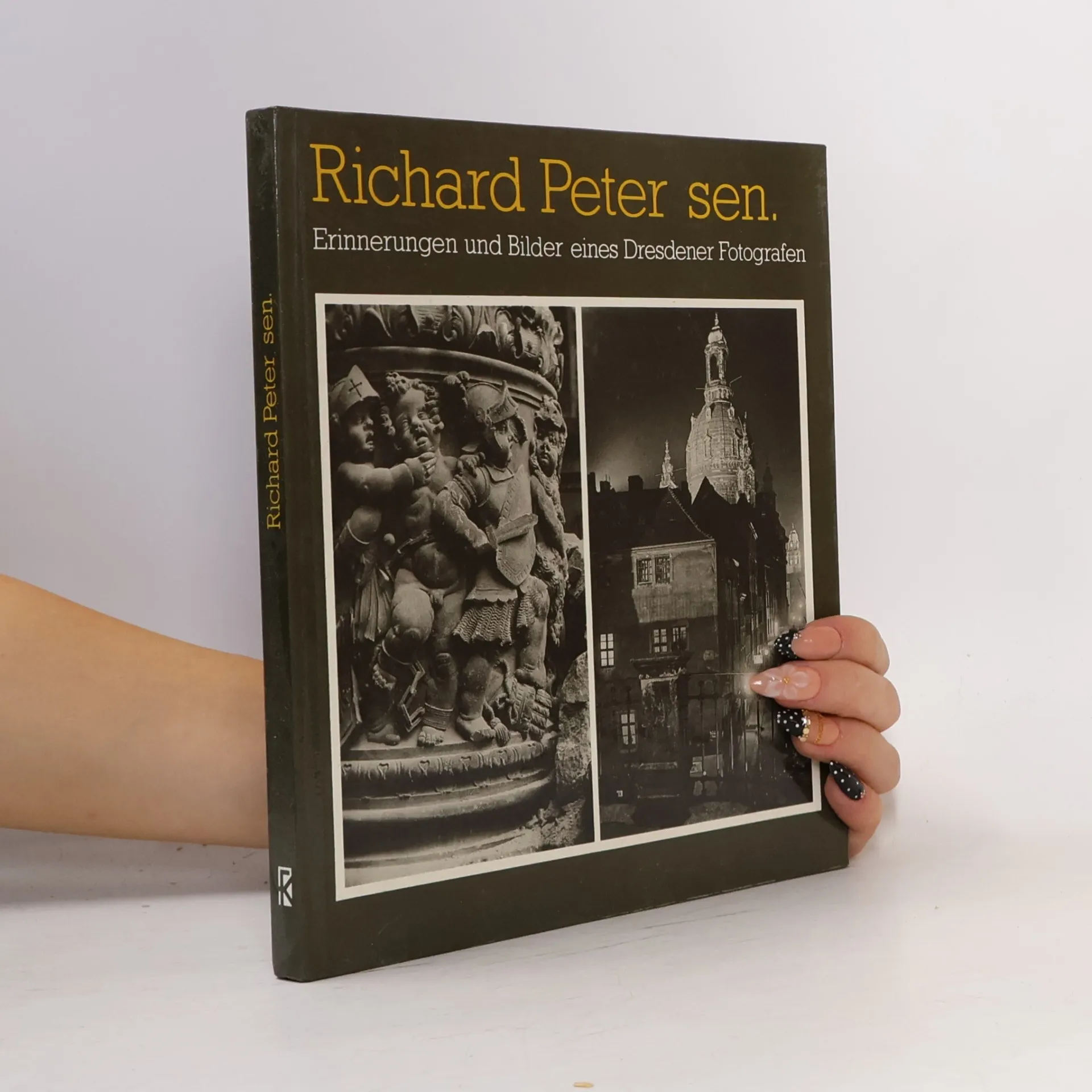
Erinnerungen und Bilder eines Dresdener Fotografen
- 128 Seiten
- 5 Lesestunden
German
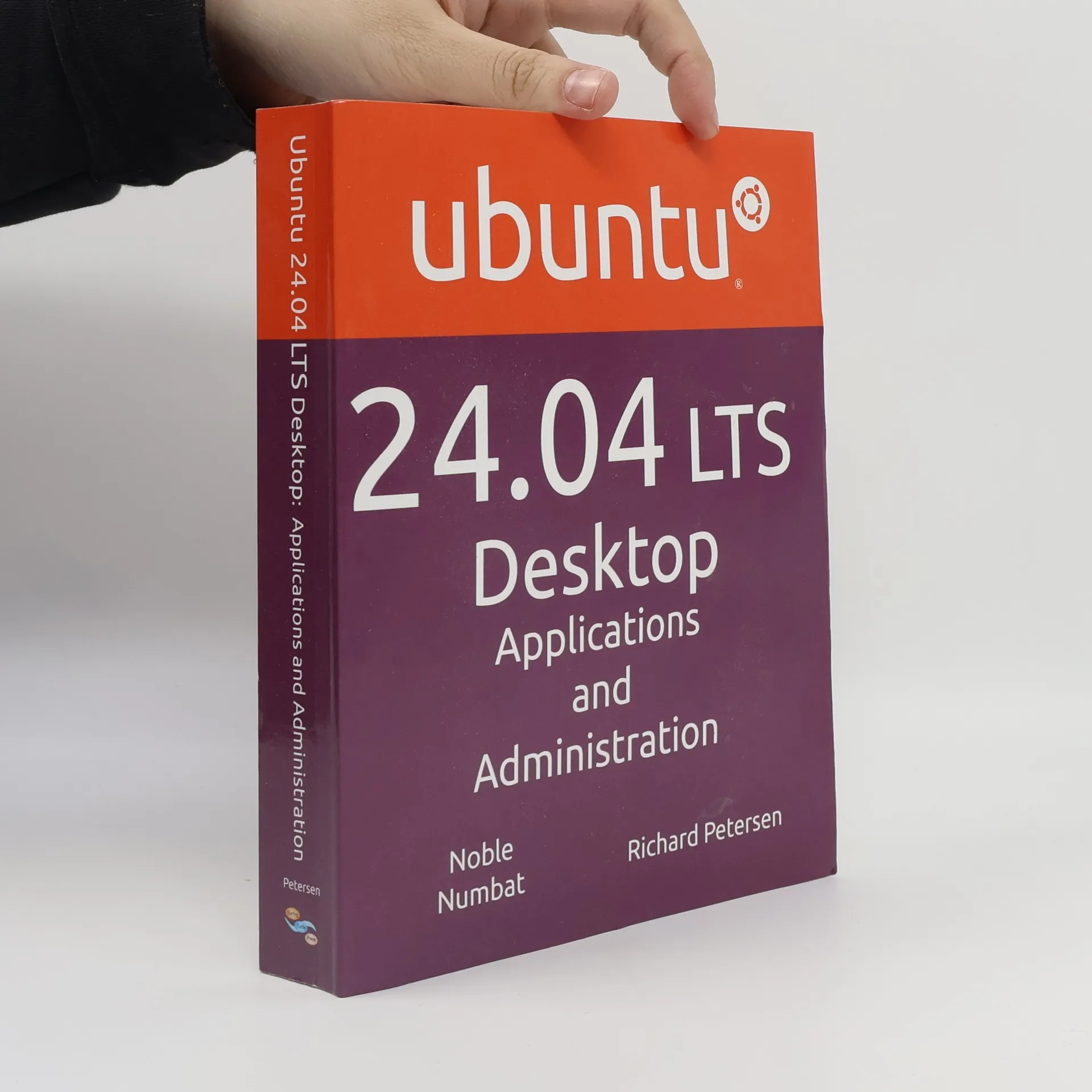
This book explores the Ubuntu 24.04 LTS (Noble Numbat) release, emphasizing applications and administrative tools. It addresses user experiences with installation, software management, and system administration across various Ubuntu desktops, including GNOME, MATE, and KDE. As a long-term support release, it introduces new features and modifications. The GNOME desktop, detailed in the book, utilizes a Dock and Activities overview for application access, incorporating GNOME 46, configuration tools, and the GNOME Files file manager. The Kubuntu desktop, based on KDE, offers a distinct interface with plasma containers, while Ubuntu MATE adopts a traditional GNOME 2 layout with alternative menus and docks. Part 1 guides users through getting started with Ubuntu, covering installation, desktop interface basics, and network connectivity. It details repositories and Snap package management alongside APT management using various tools. Part 2 focuses on applications for office, multimedia, email, and internet use, including Evolution, Thunderbird, and LibreOffice, as well as sound settings and the Firefox browser. Part 3 delves into the specifics of Ubuntu, Kubuntu, and Ubuntu MATE, alongside other flavors like Xubuntu and Lubuntu, highlighting their unique interfaces while sharing software compatibility. The BASH shell interface is also examined for command editing and file operations. Part 4 addresses system administration, cover
Wildlife Photography at Home
- 176 Seiten
- 7 Lesestunden
Capture amazing pictures of your furry and feathered visitors.
- Growing market - According to the Bureau of Labor Statistics, the number of computer technology jobs will increase at a rate of approximately 35% annually in the next five years- Linux popularity - In 1999 there were over 15 million Linux users.