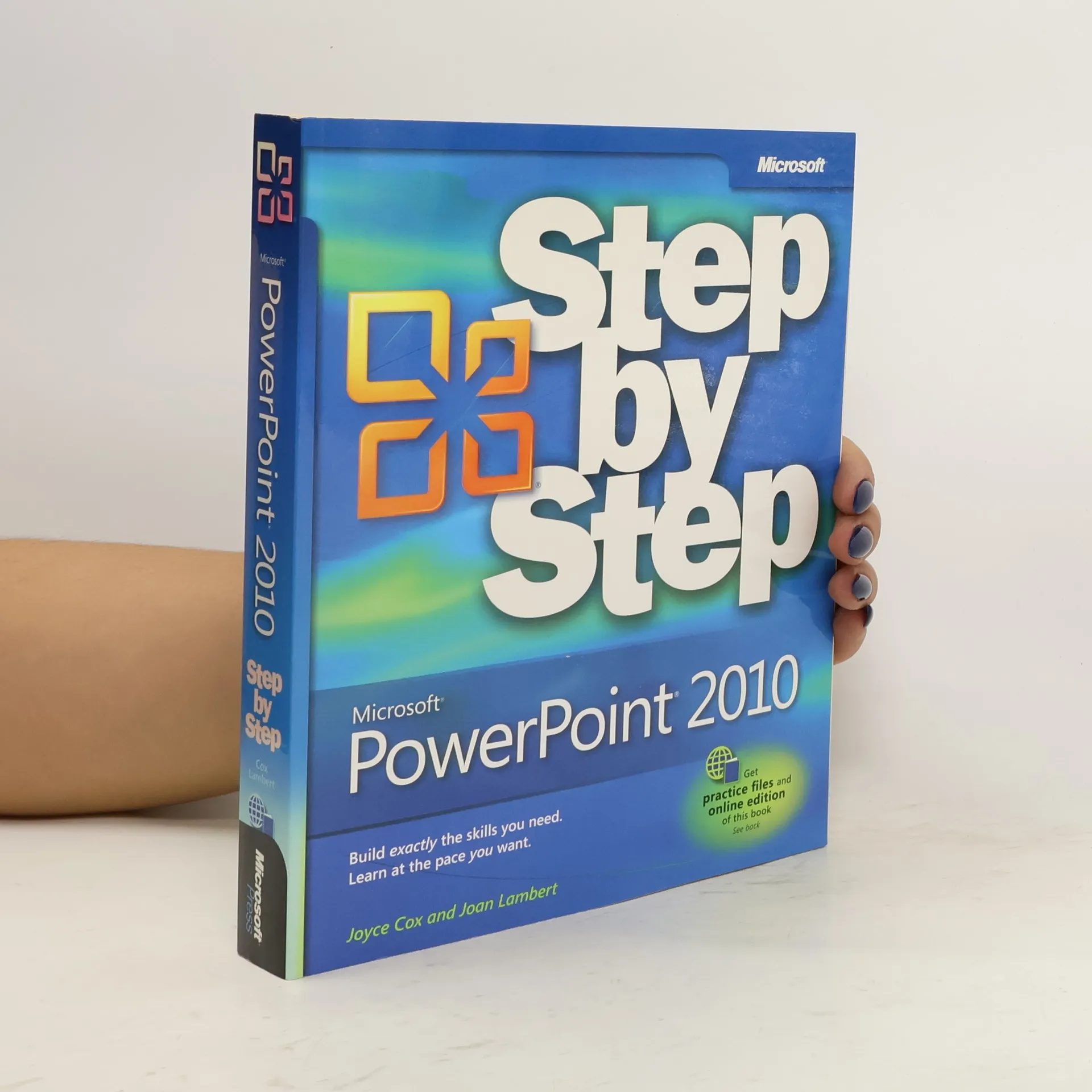
The smart way to learn the latest version of PowerPoint 2010-one step at a
time! Build exactly the skills you need by working at your own pace through
easy-to-follow lessons and hands-on practice files available online.
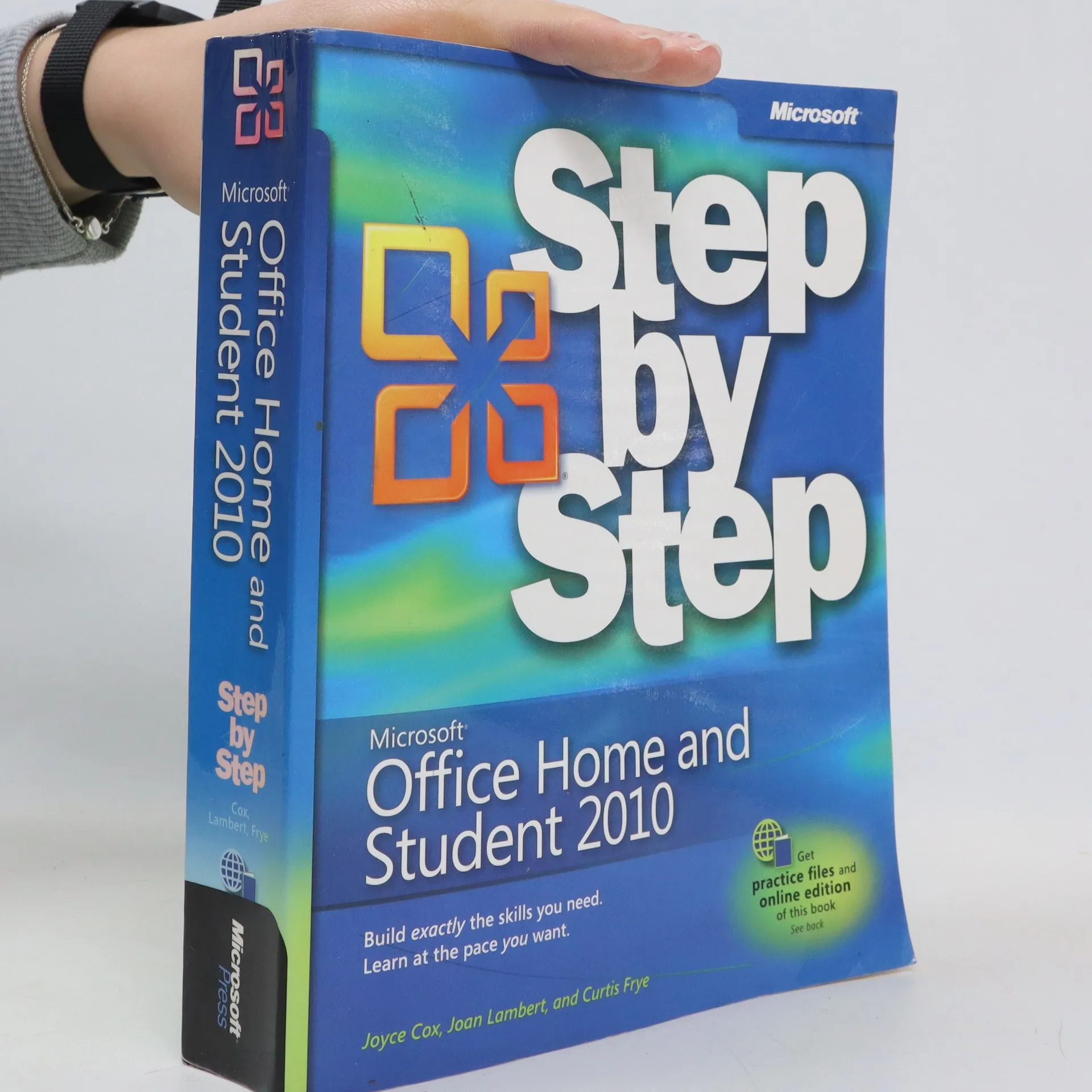
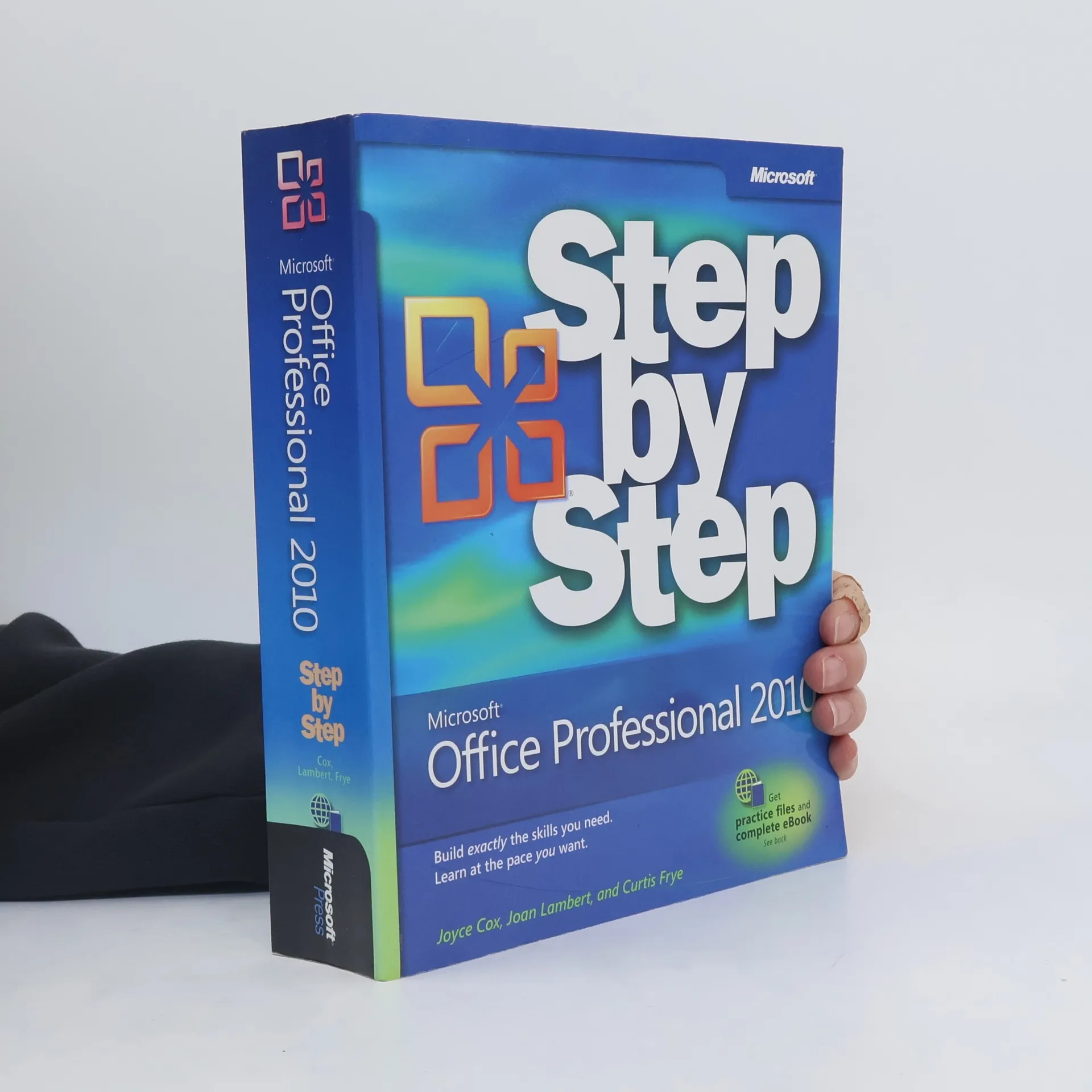
With this Step by Step guide, readers can build and practice new skills hands-on, at their own pace. Covering Microsoft Word, PowerPoint, Outlook, Excel, Access, Publisher, and OneNote, this book helps users learn the core features and capabilities.
Advance your everyday proficiency with PowerPoint 2016. And earn the credential that proves it! Demonstrate your expertise with Microsoft PowerPoint! Designed to help you practice and prepare for Microsoft Office Specialist (MOS): PowerPoint 2016 certification, this official Study Guide delivers: In-depth preparation for each MOS objective Detailed procedures to help build the skills measured by the exam Hands-on tasks to practice what you've learned Practice files and sample solutions Sharpen the skills measured by these objectives: Create and manage presentations Insert and format text, shapes, and images Insert tables, charts, SmartArt, and media Apply transitions and animations Manage multiple presentations About MOS A Microsoft Office Specialist (MOS) certification validates your proficiency with Microsoft Office programs, demonstrating that you can meet globally recognized performance standards. Hands-on experience with the technology is required to successfully pass Microsoft Certification exams.