

Gratis Versand in ganz Österreich
Bookbot

Nick Vandome

    Photoshop Elements Tips, Tricks & Shortcuts in easy steps
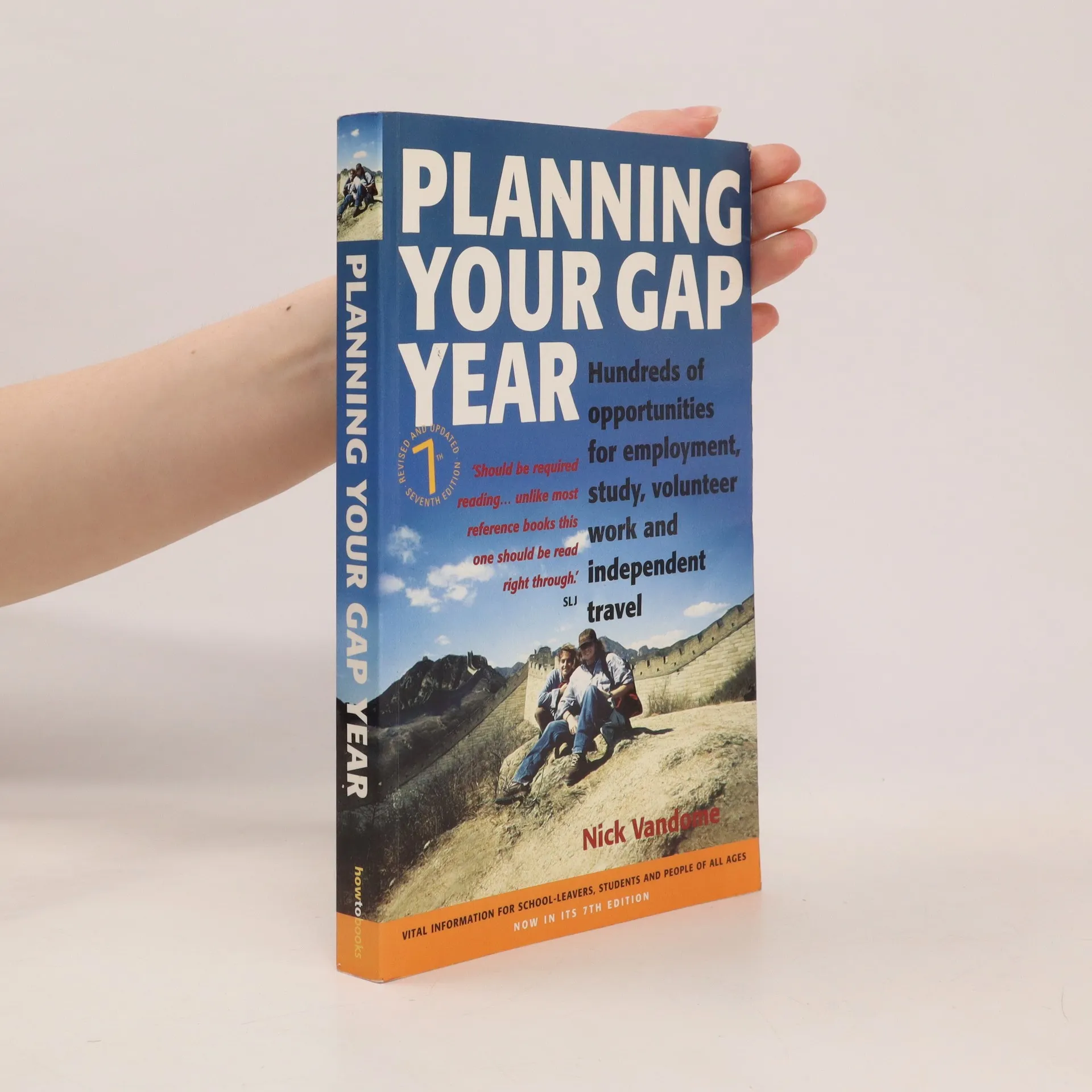
    Planning Your Gap Year
    Android Phones for Seniors in easy steps
    Edinburgh by Smartphone
    iPhone for Seniors in easy steps
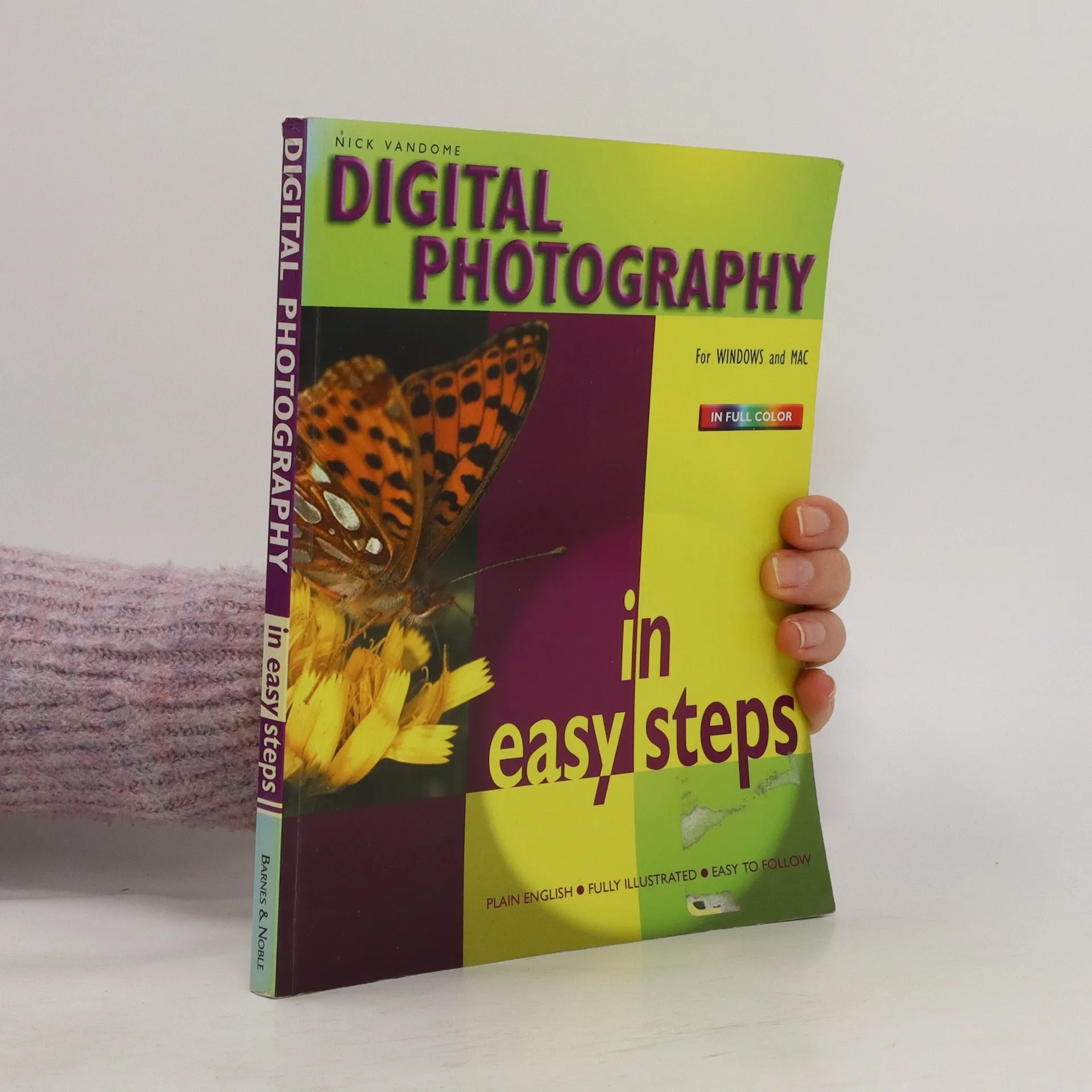
    Smartphone Photography in easy steps
    • 4,0(1)Abgeben

      Smartphone cameras have evolved from being useful for taking quick snapshots, to being powerful and sophisticated devices that, for many people, have replaced the need to use a separate camera. It is now possible to take high-quality photos, edit them and then share them in a variety of ways, all from your smartphone. Looks at all aspects of using your smartphone or tablet as a one-stop shop for all of your photographic needs

      Smartphone Photography in easy steps
    • Written with the Senior reader in mind and presented in larger type for easier reading, iPhone for Seniors in easy steps, 9th edition will help you to quickly feel confident using your iPhone. Updated to cover iOS16, due for release Autumn 2022. iPhone for Seniors in easy steps, 9th edition covers all models of iPhone using iOS 16. It'll show you how to: Make and receive calls and send messages. Use FaceTime to make video calls, and have fun sharing music or video clips on FaceTime calls. Find apps to stay healthy, shop online, plan your vacation, get instant news, and keep on top of everyday tasks. Make secure payments using your iPhone. Customize your iPhone and notifications. Explore the iTunes Music Library; share music, videos, apps, calendars and photos with children and grandchildren. Written in larger type and using non-technical language, iPhone for Seniors in easy steps, 9th edition will help you get more out of your iPhone - so you don't have to ask the kids!

      iPhone for Seniors in easy steps
    • Edinburgh by Smartphone concentrates on photo locations for capturing iconic shots of the most famous sights in the city, and also some less well-known locations that nevertheless offer excellent photographic opportunities. The second main element of the book details walks around the city that can easily be incorporated into any city break

      Edinburgh by Smartphone
    • Planning Your Gap Year

      • 246 Seiten
      • 9 Lesestunden
      3,3(4)Abgeben

      The diversity of gap year opportunities on offer is such that it is only limited by your imagination or your ambition. Packed with ideas on where to go and what to do, this guidebook will make your planning easier. OVER 220 CONTACT ORGANISATIONS VALUABLE ADVICE ON HEALTH AND SAFETY USING THE INTERNET FOR RESEARCH - AND WHEN YOU'RE OUT THERE PERSONAL ACCOUNTS FROM PEOPLE WHO'VE BEEN THERE AND DONE IT WRITTEN FOR SCHOOL AND UNIVERSITY LEAVERS, VOLUNTEERS AND MID CAREER YEAR-OUTERS

      Planning Your Gap Year
    • Photoshop Elements Tips, Tricks & Shortcuts in easy steps encourages individuals to have fun whilst using Adobe's leading photo editing software. New, exciting features are explained ensuring readers gain the ultimate Photoshop experience.

      Photoshop Elements Tips, Tricks & Shortcuts in easy steps
    • MacBook in easy steps

      • 192 Seiten
      • 7 Lesestunden
      2,5(2)Abgeben

      MacBook in easy steps , now in its seventh edition, illustrates all the clever and powerful features on this iconic device. Covering all MacBook models, Ideal for anyone new to the MacBook, including Senior readers.

      MacBook in easy steps
    • Laptops for Seniors in easy steps

      • 192 Seiten
      • 7 Lesestunden
      2,5(2)Abgeben

      Laptops are an excellent option for they can be used anywhere, and with wireless technology, to surf the web and to keep in touch. This 8th edition of Laptops for Seniors in easy steps will help you get started and then show you how to get more from Windows 11:     Even shows how to avoid ergonomic injuries while using your laptop so that you can enjoy your new laptop for a long time!

      Laptops for Seniors in easy steps
    • iPad for Seniors in easy steps

      • 192 Seiten
      • 7 Lesestunden
      3,6(7)Abgeben

      iPadfor Seniors in easy steps, 12th edition gives acomprehensive introduction to the iPad, showing how it differs from moretraditional computers and how to find your way around this captivating device.It is written with Seniors' needs in mind and covers iPadOS 16, due for releaseAutumn 2022. The iPad is a tablet computer that is stylish andversatile, and popular with all ages. iPad for Seniors in easy steps, 12th edition is updatedto cover iPadOS 16. Written in larger type, it'll help senior folks learn andenjoy the myriad of iPad features at ease: Choose the right model for you; master Multitouchgestures; and customize the iPad for your needs. Use your iPad to keep in touch with family and friends.Make video calls and send messages for free; take and share photos. Shop and order food and more online; take a virtual tourof your favourite art galleries and museums; plan and book your trips. Explore Focus, multitasking, App Library, and the newand enhanced features in iPadOS 16, and make the most of your new device! Presented in larger type for easierreading.

      iPad for Seniors in easy steps
    • macOS Big Sur in easy steps is perfect for those wanting to quickly get a grasp of the latest Mac operating system. This concise guide will help you get up and running in no time, and then takes you through the key features to help you use their Mac to do more. It Get more out of your Mac, Mac mini, Mac Pro or MacBook with minimum time and effort!

      macOS Big Sur in easy steps