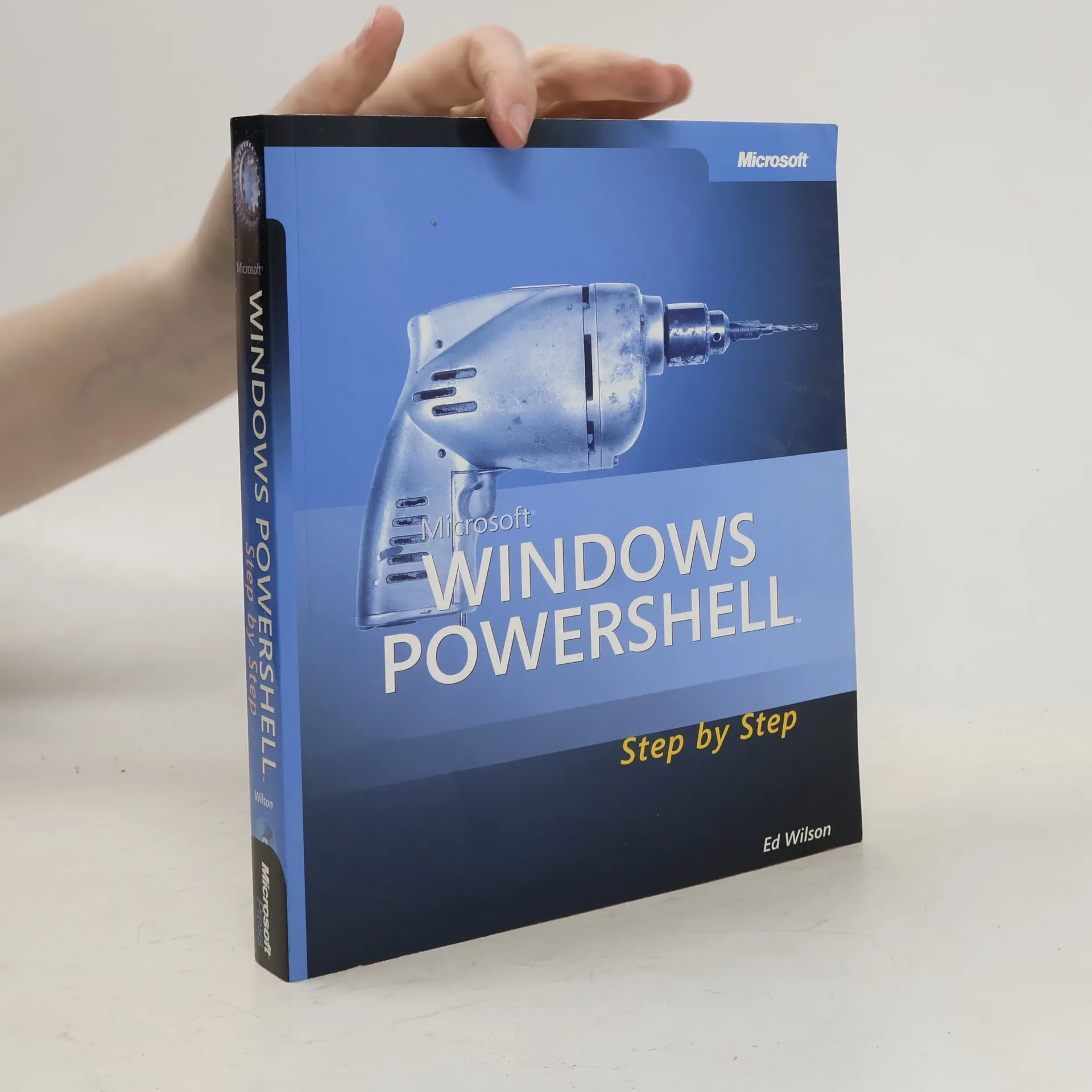
Windows PowerShell Step by Step
- 656 Seiten
- 23 Lesestunden
Provides step-by-step instructions on automating Windows administration tasks using Windows PowerShell.




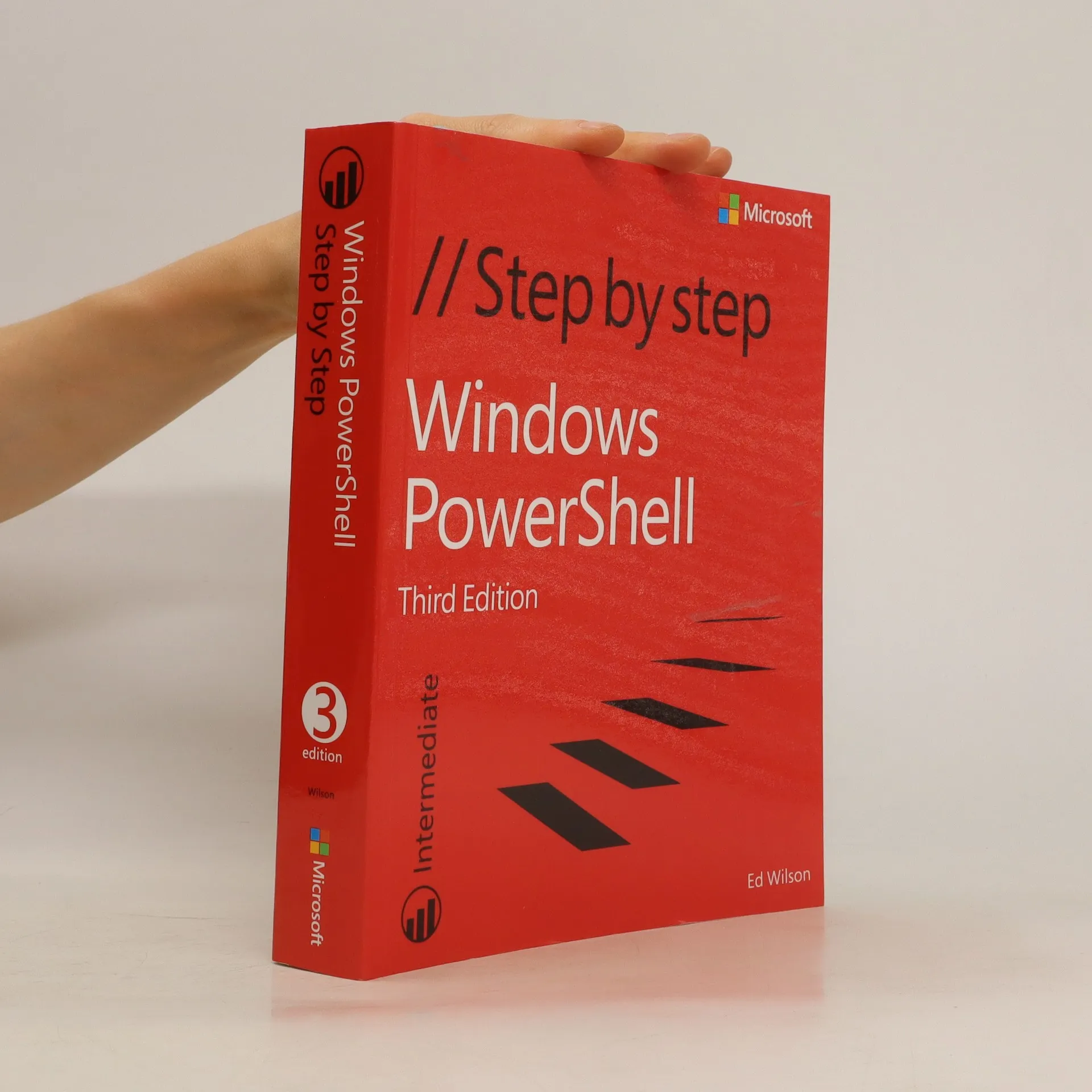
Provides step-by-step instructions on automating Windows administration tasks using Windows PowerShell.
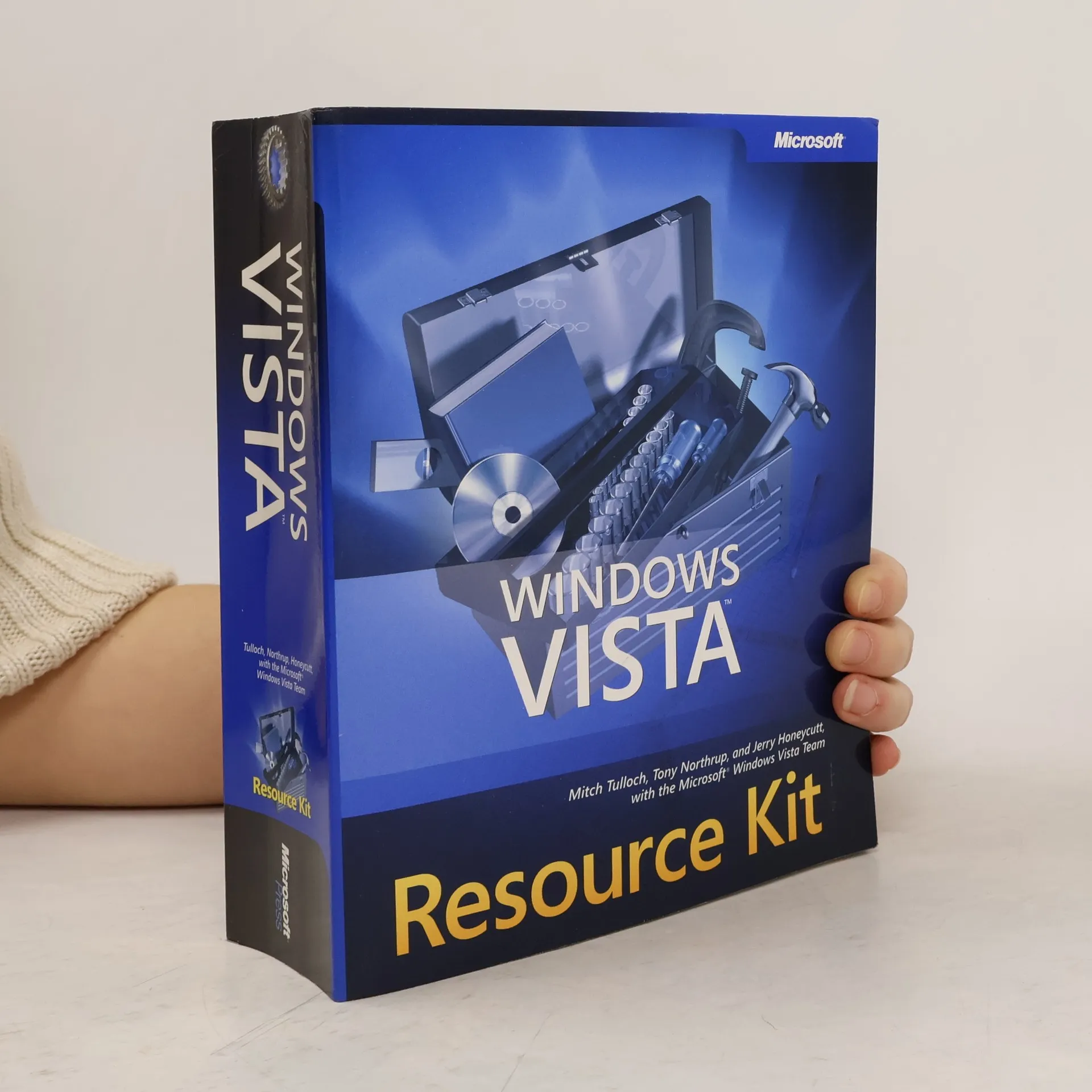
This comprehensive resource provides essential information for administering Windows Vista, featuring expert guidance from Microsoft Most Valuable Professionals and the Windows Vista team. It includes over 200 scripts, tools, and vital administration resources on DVD. You will learn to plan and implement both high-volume and low-volume deployment projects, configure Group Policy for managing clients, user profiles, search features, and network resources. The book covers administration of disks, file systems, folders, printers, and other devices, along with implementing file and media sharing in workgroup and domain environments. It also addresses configuring wireless networking protocols, TCP/IP, and VPN connections, managing software updates, User Account Control, Windows Firewall, and Ipsec protection. Additionally, it offers insights into monitoring event logs and system performance, troubleshooting hardware, drivers, network connectivity, and stop messages. The DVD features over 140 scripts for automating administration and deployment, network troubleshooting tools, debugging tools for both 32-bit and 64-bit editions, and the Solution Accelerator for Business Desktop Deployment 2007. It includes technical white papers on Windows Vista administration, sample chapters from the Microsoft Security Resource Kit, and a fully searchable eBook. For digital format purchasers, the CD/DVD content is available as a free download vi
Get the inside track on how to write system administration scripts with Windows Management Instrumentation (WMI), straight from Microsoft scripting experts. This practical learning guide teaches how to use WMI scripting techniques to gain control over your Microsoft Windowsâ??based, IIS-based, and Microsoft Exchange Serverâ??based environmentsâ??all at your own pace. Build practical skills on everything from understanding the ins and outs of WMI and producing your first WMI Script to writing advanced WMI scripts that automate the management of systems, network services, files, printers, the registry, network services, and more. Visit the catalog page for Microsoft® Windows® Scripting with WMI: Self-Paced Learning GuideVisit the errata page for Microsoft® Windows® Scripting with WMI: Self-Paced Learning Guide
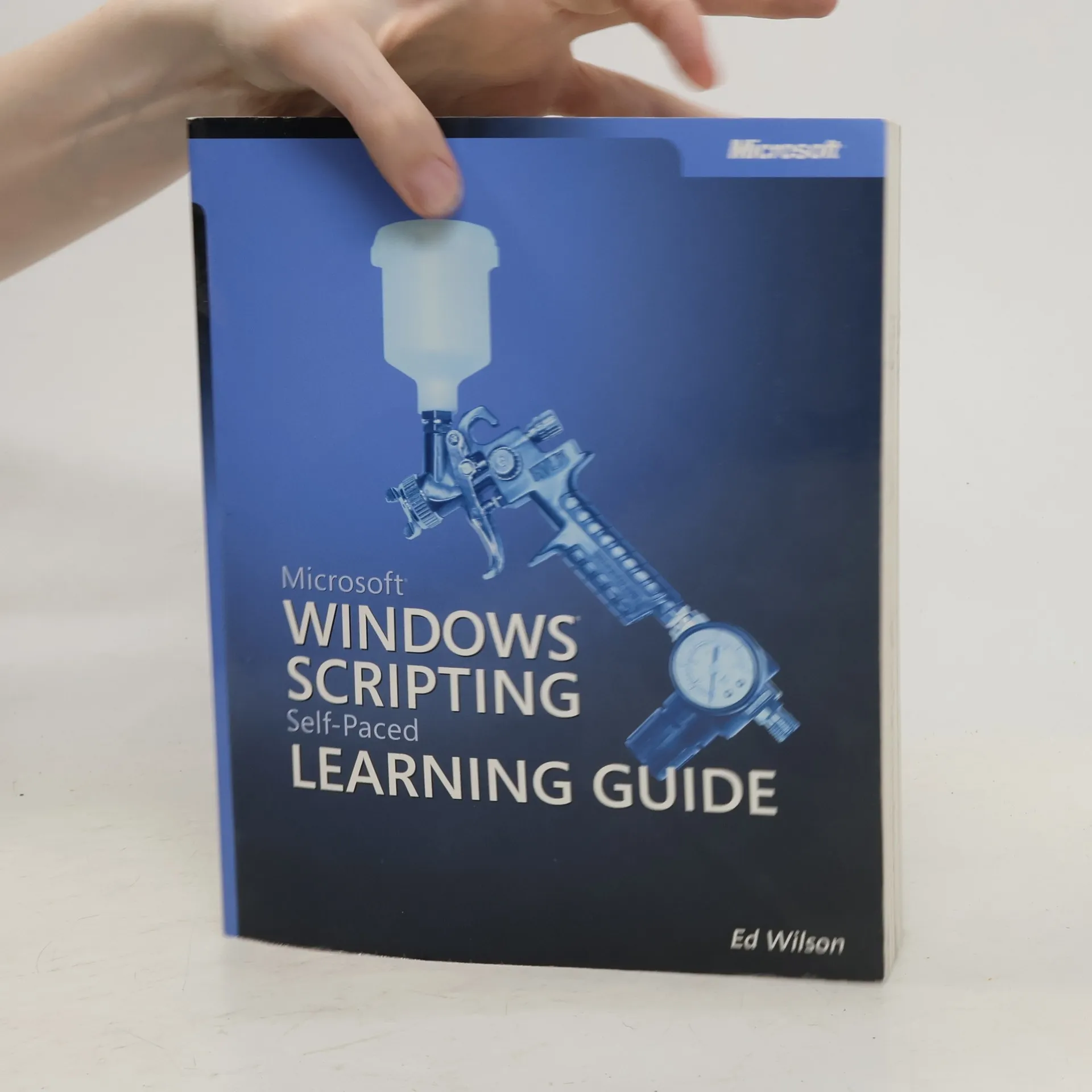
Get expert guidance on how to use scripting to automate Windows system administration--straight from the Microsoft scripting experts. This title features hands-on, self-paced learning exercises, timesaving tips, and sample scripts to help readers get more done in less time.
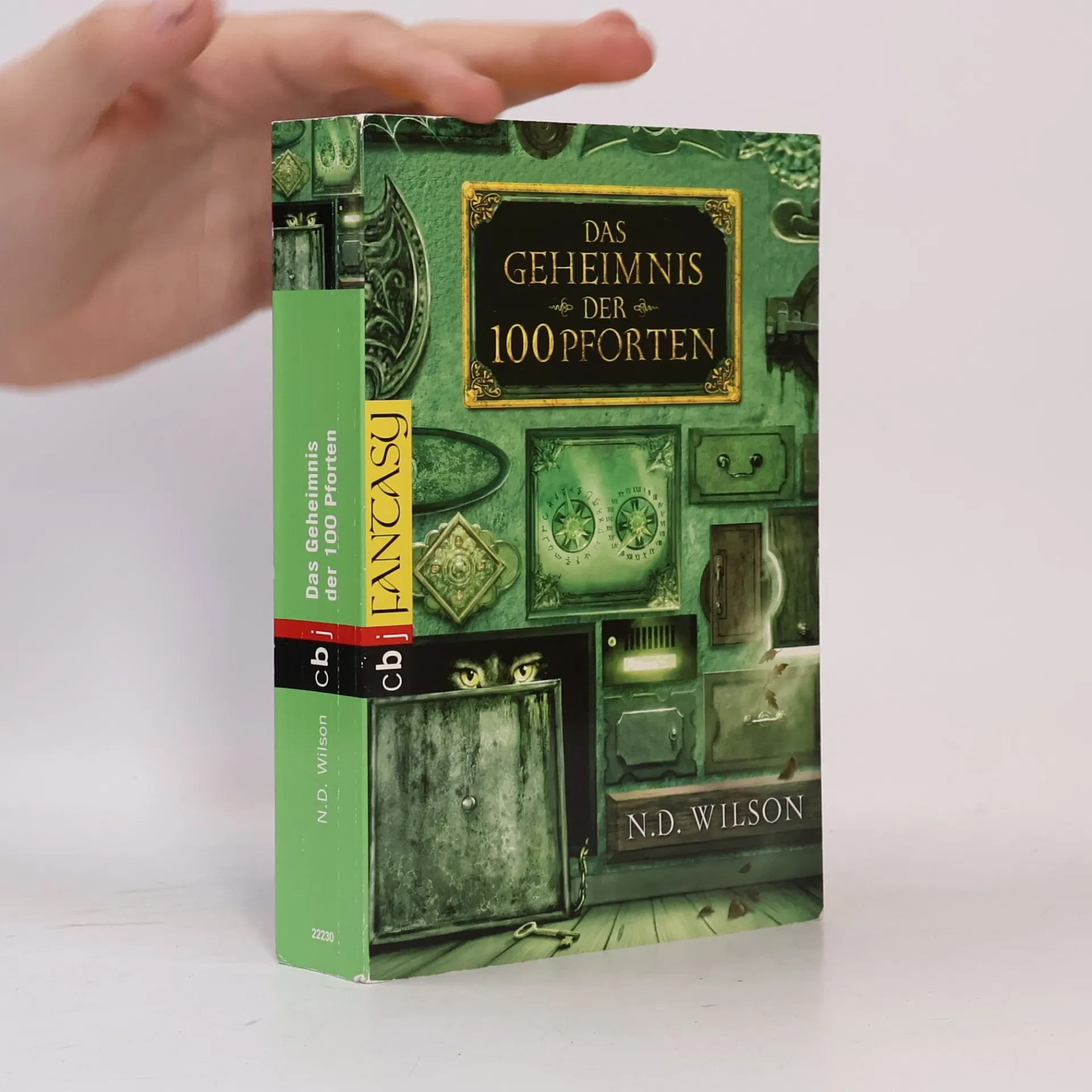
Warmherzig, spannend und mit viel Humor erzählt Als der 12-jährige Henry York zur Familie seines Onkels zieht, findet er das düstere alte Haus ziemlich gruselig. Und als immer wieder seltsame Dinge geschehen, beginnt er nachzuforschen und macht eines Nachts eine unglaubliche Entdeckung: Hinter dem Putz an der Wand seines Zimmers verbergen sich 100 Pforten – magische Portale, die in 100 fremde Welten führen. Aufgeregt öffnen Henry und seine Cousine Henrietta ein Tor nach dem anderen. Doch nicht alle dieser magischen Zauberreiche sind so friedlich wie es zunächst scheint – hinter einigen Toren lauern gefährliche Hexen und Dämonen, die den Kindern den Rückweg in ihre Welt verwehren …
A guide to using Windows PowerShell to script Windows administrative tasks and control Windows from the command line.
Autor, který patří mezi uznávané odborníky na skriptování, vás provede nejpoužívanějšími příkazy PowerShellu. Se správným skriptem se stanou i časově zdlouhavé postupy záležitostí několika minut. Výklad se neomezuje pouze na činnosti obvyklé pro administrátory, zajímavé rady najdou i pokročilí uživatelé, kteří chtějí svou spolupráci s počítačem zefektivnit. Řadu činností, které jste dosud řešili několika nástroji, zvládnete s pár řádky kódu v PowerShellu.
Praktyczny poradnik automatyzowania administracji systemów Windows przy użyciu Windows PowerShell Dowiedz się, jak zautomatyzować codzienne zadania zarządzania systemami Windows Server® 2008 i Windows Vista® za pomocą Windows PowerShell – powłoki i języka skryptowego dla administratorów systemów komputerowych. Podręcznik ten zawiera rozbudowane, łatwe do zaadaptowania przykłady oraz wskazówki oparte na realizowanych zadaniach – wprost od najlepszego eksperta w dziedzinie skryptów w firmie Microsoft. Dowiedz się, jak użyć skryptów, aby: 1. Automatycznie konfigurować ustawienia komputerów biurkowych w całej sieci. 2. Zarządzać kondycją komputerów poprzez monitorowanie wykorzystania przestrzeni dyskowej, konfiguracji napędów i usług. 3.Odczytywać, przeszukiwać i zapisywać zdarzenia w dziennikach za pomocą skryptów. 4.Zarządzać komponentami systemu, takimi jak napędy, drukarki i foldery udostępnione. 5.Konfigurować usługi sieciowe, takie jak DNS, DHCP czy WINS. 6.Zarządzać tworzeniem i przywracaniem kopii zapasowych i funkcjami zabezpieczeń systemu. 7.Rozwiązywać problem związane z instalowanie i funkcjonowaniem systemów i aplikacji. 8.Utrzymywać witrynę sieci Web opartą na IIS 7.0. 9.Dodatkowo — kompletna lista poleceń cmdlet ułatwiających automatyzację powtarzalnych zadań.
PowerShell to niezwykła konsola, która umożliwia kontrolowanie systemu Windows oraz zarządzanie aplikacjami. Jest szczególnie ceniona przez zaawansowanych użytkowników i administratorów. Ta książka jest idealna dla tych, którzy pragną poznać najlepsze sposoby wykorzystania PowerShell. Odkryj tajemnice konsoli Windows PowerShell i naucz się efektywnie korzystać z jej możliwości. Poznaj moduł Active Directory, który pozwoli Ci na tworzenie skryptów do wyszukiwania kont. Dowiedz się, jak skonfigurować środowisko do wykonywania skryptów oraz jak unikać typowych pułapek. Zgłębiaj projektowanie i wdrażanie skryptów, przygotowywanie pomocy, opracowywanie modułów oraz obsługę błędów. Naucz się ustawiać zasady wykonywania skryptów, uruchamiać je oraz kontrolować wersje. Książka ta będzie przydatna dla wszystkich użytkowników Windows PowerShell. Odkryj, jak zautomatyzować pracę z Active Directory, znaleźć dostępne klasy i metody WMI, a także pisać skrypty, aby uniknąć powtarzania tych samych czynności. Dowiedz się, jak tworzyć funkcje do wielokrotnego użytku, testować składnię i wydajność skryptów oraz zarządzać usługami programowymi. Wykorzystaj potencjał konsoli Windows PowerShell!